
How to Print Piano Sheet Music at Home Without Losing Quality?
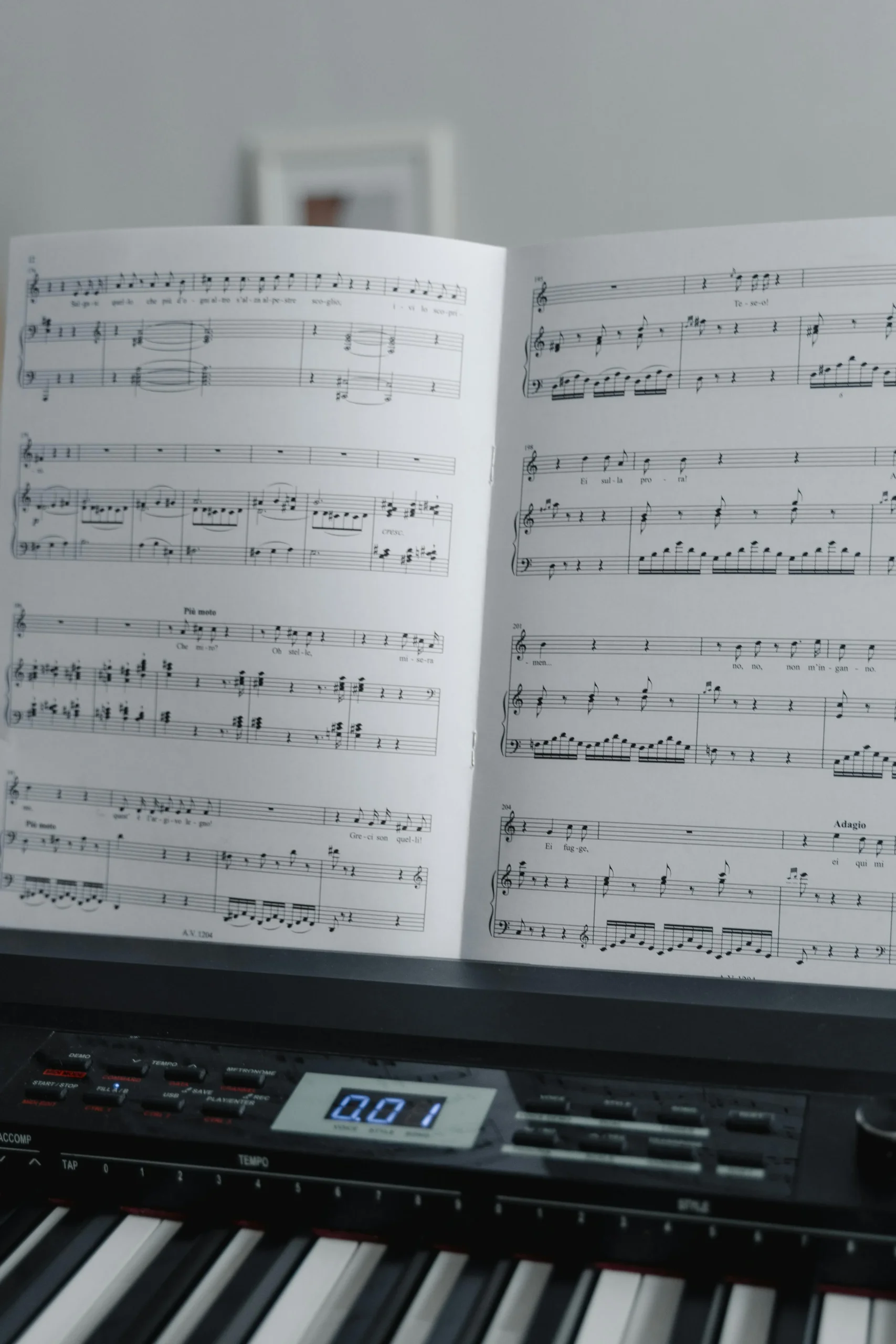
Essential Steps for Crystal-Clear Piano Sheet Music Printing
Ever wondered how to print piano sheet music at home without losing quality? Good news, it’s easier than you might think. Printing your own sheets can save you time and money, plus you can tailor each page to your exact preferences. In this guide, you’ll learn how to avoid blurry lines, choose the right paper, and set up your printer so every note stands out clearly. Let’s dive in!
Understand your file format
The journey toward a crisp printout begins with your digital file. Most piano sheet music comes in PDF (Portable Document Format) because it preserves layout and spacing no matter what device you use. Occasionally, you’ll come across image files (JPEG or PNG). If that happens, convert them to PDF so your printer reads them correctly.
If you’re on the hunt for ready-to-print scores, look for reputable sources that offer clear PDFs. You can find plenty of printable piano sheet music online, but make sure the resolution is high enough (ideally 300 DPI or above). Low-resolution files can lead to fuzzy lines when printed.
Checking resolution before you print
- Zoom in on the PDF to around 200% and see if the lines stay sharp.
- Avoid files under 150 DPI, as they often produce poor results.
- If the site you’re using mentions “print-quality PDF,” that’s a reassuring sign.
Choose your printing materials
Paper type and ink quality can make a world of difference in how your sheet music turns out. Standard printer paper might work for a quick run-through, but if you want that professional feel, use slightly thicker stock.
- Look for paper in the 90- to 100-pound range, usually labeled as “medium” or “heavyweight.”
- If you’re printing color-coded notes, ensure you have enough ink or toner on hand.
- Keep spare ink cartridges around – running out mid-print can cause streaked or faded music.
Balancing cost and quality
You don’t need to buy the most expensive paper available. Often, mid-range brands have a balance of thickness and finish that makes your notes pop without draining your budget. Test a few sheets to see which one gives you the crispest lines and doesn’t bleed ink.
Set up your printer settings
Even the best file in the world can print poorly if your printer isn’t configured correctly. Depending on your printer model, explore the “Advanced” or “Properties” tab when you go to print.
- Paper Type: Choose a setting that matches the thickness of your paper (e.g., “Heavyweight” or “Cardstock”).
- Print Quality: Select “Best” or “High” for crisp lines. Draft or Economy modes can lead to smudging.
- Scaling: Ensure your printer won’t shrink or enlarge the document unexpectedly by checking “Actual size.”
Black-and-white or color?
Many printers default to color, but black-and-white is perfectly fine for piano sheet music. Color can be handy if you rely on highlighted or color-coded notes, which is especially popular with beginners. If that’s the case, just make sure the color settings are also set to high quality so the hues don’t fade.
Optimize the sheet layout
Margins, page orientation, and spacing matter more than you think. If your margins are too narrow, you’ll lose some notes on the edges. If they’re too wide, you waste space and risk flipping extra pages mid-performance.
- Use portrait orientation in most scenarios, unless your piece has an unusual layout.
- Check if your piano bench or music stand handles standard letter size well. Some stands also fit larger formats if you prefer bigger notes.
- Once you finalize your layout, run a test page. That single test can save you lots of paper and reprints.
Binding or stapling your sheets
Do you plan to staple your pages or put them in a binder? Plan your margins with that in mind. A left margin that’s too small can make punching holes tricky. On the other hand, if you’re taping pages side by side, keep the edges free of any essential markings.
Protect your printed sheets
You don’t want your hard work (and ink) getting smudged or torn. Consider a light sheet protector if you’re prone to coffee spills, or store your music in a simple folder to keep edges from curling.
If you’re playing multiple songs back-to-back, you might want separate folders or a labeled binder system to keep everything organized. By doing so, you can easily grab your music for “Für Elise” or a popular track from the radio without flipping through a cluttered pile.
Storing your sheet music long-term
- Keep them in a cool, dry area. Humidity can warp paper and smear ink.
- Avoid direct sunlight, which might fade your print.
- For frequently used pieces, make backup copies in case of accidental wear and tear.
Mastering How to Print Piano Sheet Music at Home Without Losing Quality
If you’re still asking yourself how to print piano sheet music at home without losing quality, remember that it boils down to three main things: the file, the printer settings, and the materials you use. A high-resolution PDF, solid printer settings, and decent paper stock are your ticket to sharp, easy-to-read music. Once you get the hang of it, you can print all sorts of pieces, from classical sonatas to modern pop hits.
And if you’d like to learn more about basic sheet reading, feel free to explore easy piano sheet music and related guides, such as how to read easy piano sheet music for beginners?. Printing your music is just one aspect of a fun, ongoing journey into piano playing. So dial in your printer, pick the best paper, and enjoy the satisfaction of flipping through pristine sheets that sound as good as they look. Happy playing!
Want to bring more music and meaning into your life?
Explore Tonioli’s piano sheet music, inspirational books, and heart-centered compositions. Whether you’re a music teacher, parent, or performer, there’s something here to uplift your soul.
Visit Tonioli.com and find the soundtrack to your journey.
Frequently Asked Questions
1. What is a printable piano sheet music?
Printable piano sheet music is a digital score, usually in PDF format, that you can download and print at home or elsewhere. It allows pianists to have physical copies of music with clear notation, which can be used for practice, performance, or personal reference. Printable sheets often come in high-resolution files to ensure sharp, easy-to-read notes when printed.
2. Where Can I Find the Best Printable Piano Sheet Music for Beginners?
Look for reputable music education websites, libraries with digital collections, and established music publishers that offer beginner-friendly arrangements. Always check that files are high-resolution PDFs (300 DPI or above) for best printing results.
3. Is It Legal to Download Printable Piano Sheet Music Online?
It depends on the source and copyright status. Public domain music is free to download and print. For copyrighted material, only download from authorized sellers or sites with proper licensing. Always verify the legal status before downloading.
4. Why Printable Piano Sheet Music Is Still Popular in the Digital Age?
Physical sheets offer better readability during practice, don’t require battery power, allow for handwritten notes and markings, and provide a tactile experience that many musicians prefer over screen-based reading.
5. What Are the Top Websites Offering Free Printable Piano Sheet Music?
If you want to print piano sheet music at home without losing quality, check out IMSLP for public domain classical scores, MuseScore for user-created arrangements across genres, and 8Notes for beginner-friendly and intermediate pieces with clear layouts. Library digital collections are also useful. For a more comprehensive guide and extra tips, check out “What are the top websites offering free printable piano sheet music?”.
Key Takeaways
- File quality matters most: Use high-resolution PDFs (300 DPI or above) and avoid low-quality image files for crisp, clear printing results.
- Optimize printer settings: Select “Best” or “High” quality mode, choose appropriate paper type settings, and ensure “Actual size” scaling to prevent distortion.
- Choose the right materials: Use 90-100 pound paper weight for professional feel and keep spare ink cartridges to avoid mid-print quality issues.
- Test before bulk printing: Always print a test page first to check margins, layout, and quality before printing entire pieces.
- Protect your investment: Store printed sheets in cool, dry places and consider sheet protectors for frequently used pieces.